Do You Need a Data Warehouse Yet?
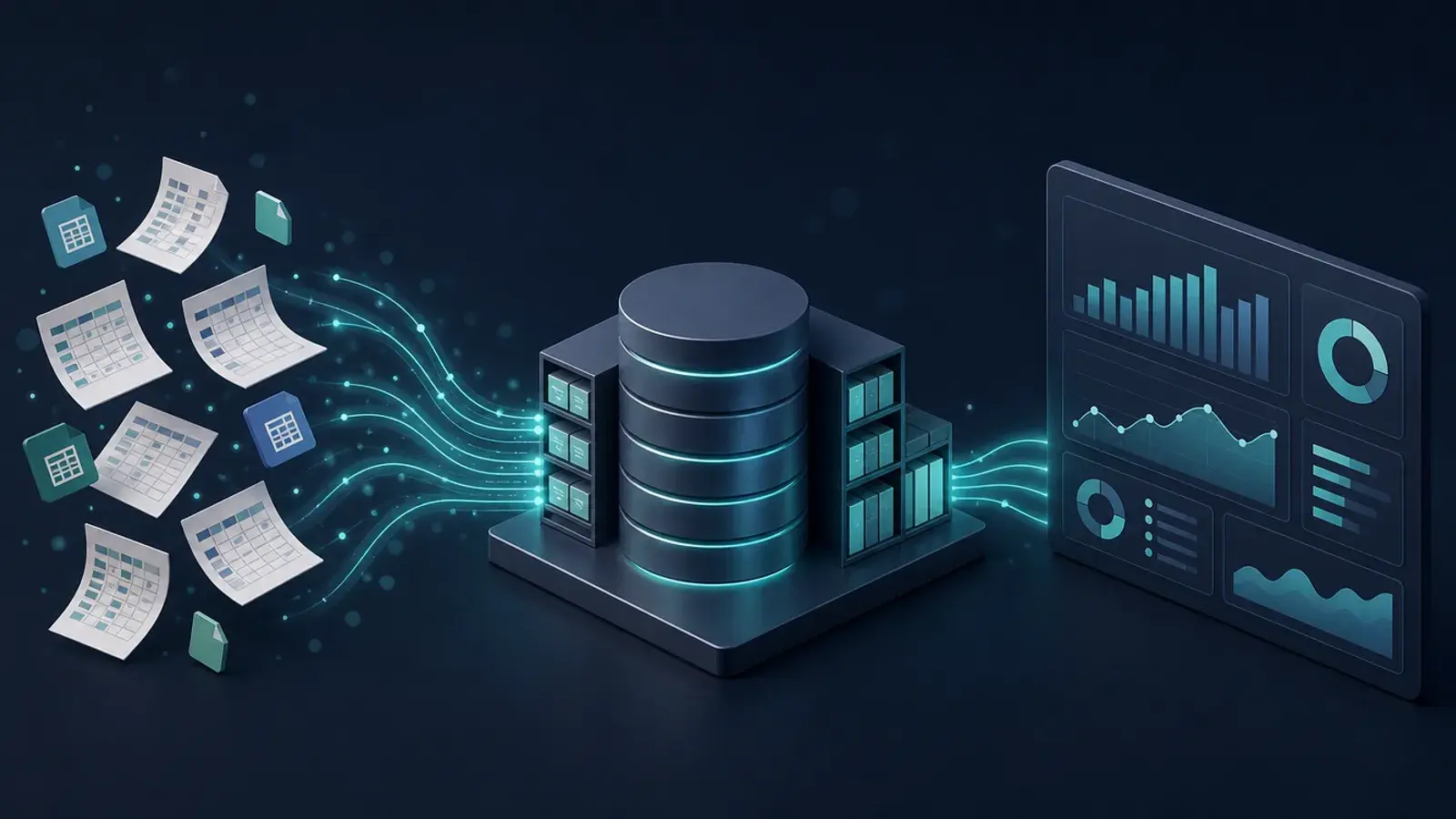
Short answer: most small businesses do not need a data warehouse on day one, but many need one sooner than they think. If your reports come from one or two systems and take minutes to update, keep your spreadsheets. If someone spends part of every week downloading CSVs from five apps and stitching them together by hand, you already have a warehouse. It is just a slow, fragile one made of people and copy and paste.
This post covers the signs that you have outgrown spreadsheets, the realistic options at small and mid-size scale, and the first step I would take before spending money on any of them.
What a Data Warehouse Is, in Plain Terms
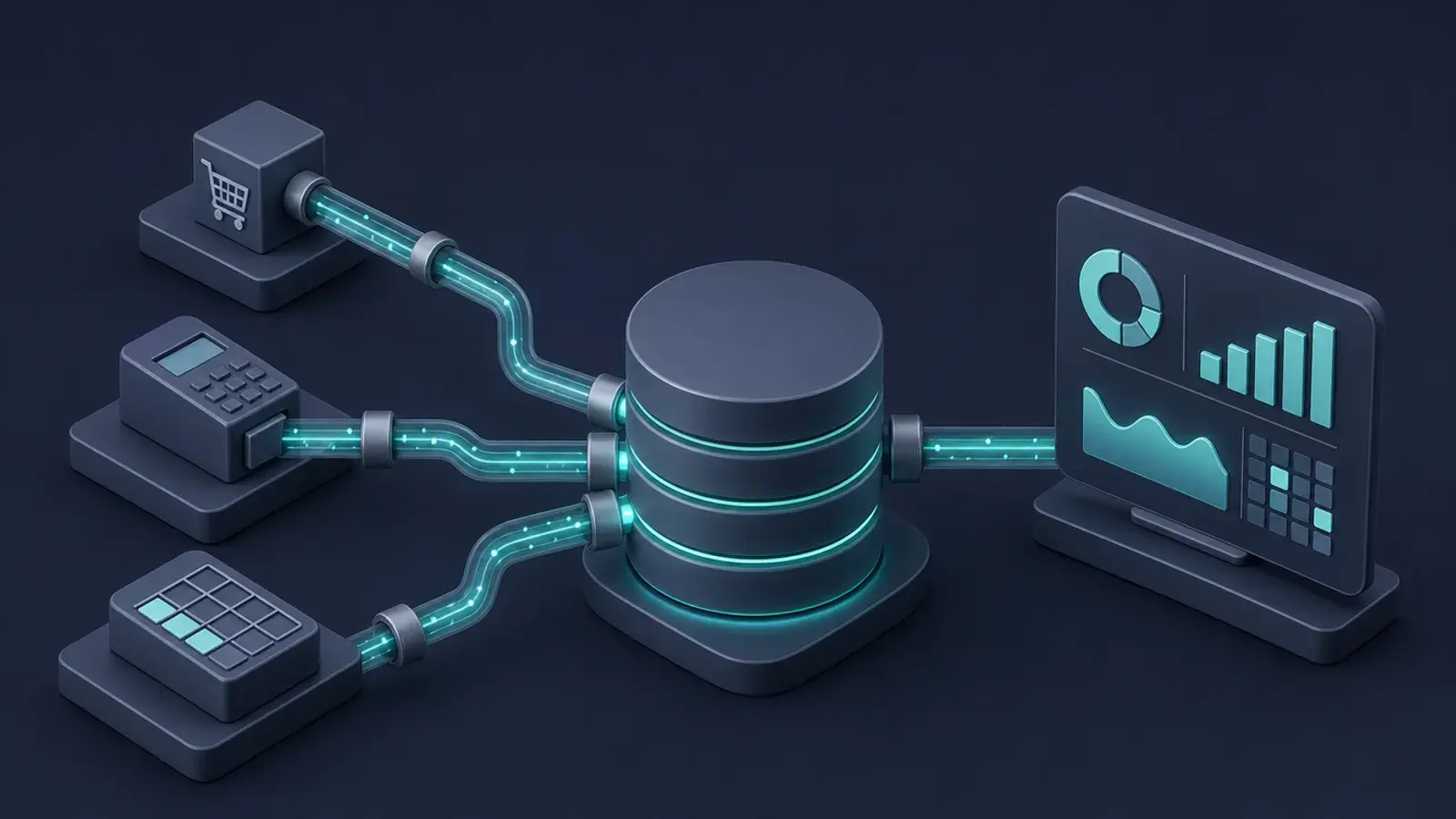
A data warehouse is one database that holds copies of the data from all the tools you run the business on: your point of sale or ecommerce platform, your payment processor, your CRM, your accounting software, your ad accounts. The data lands there on a schedule, gets cleaned into consistent tables, and every report and dashboard reads from that one place.
The point is not storage. Every one of your apps already stores its own data. The point is that a question like "which marketing channel brings in customers who come back?" needs data from three systems at once, and a warehouse is where those three systems finally sit next to each other with the same customer IDs, the same dates and the same definitions.
Signs Spreadsheets and App Exports Are No Longer Enough
None of these alone means you need a warehouse. Three or more usually does.
- The Monday export ritual. Someone downloads reports from several apps every week, pastes them into a master sheet and fixes the formatting before anyone can look at the numbers.
- Two people, two answers. Sales says revenue was one number and finance says another, because one pulled from the store and the other from the bank deposits.
- You cannot look back. An app only keeps 90 days of detail, or it overwrites a record when it changes, so last year's inventory levels or old prices are simply gone.
- Lookups across files. Your most important workbook is a chain of VLOOKUPs between exports, and it breaks whenever a column moves.
- The file is too big. The workbook takes ages to open or recalculate, or you have started splitting it by year just so it loads.
- A dashboard is on the roadmap. If you want a live BI dashboard, it needs a stable source to read from. Pointing it at five live APIs and a shared drive works for a demo and then breaks.
Signs You Can Wait
A warehouse adds a moving part you have to keep running. You can hold off if most of your questions are answered inside one tool, if your reports are monthly and take an hour to build, or if the people asking the questions are happy with the built-in reports in the apps you already pay for. In that case, read Excel Dashboards vs BI Tools first. Better spreadsheets may be all you need this year.

Your Options, from Smallest to Largest
The industry talks about warehouses as if every company needs Snowflake. Most small and mid-size businesses do not. There are roughly three tiers, and the right one depends on data volume, who will maintain it and what else you want it to do.
Tier 1: a plain Postgres database. A managed Postgres instance, whether on Supabase, a cloud provider or a small hosted plan, handles far more data than most small businesses generate. It is a normal relational database, every BI tool connects to it, and SQL skills transfer anywhere. We run our own production work on this stack: the Figment Gaming platform is backed by Supabase Postgres with 300+ raw SQL migrations. Supabase also gives you authentication, an API and row-level security, which matters if the same data will later feed a customer portal or a partner view.
Tier 2: a cloud warehouse such as BigQuery or Snowflake. These are built for analytical queries over large tables. They separate storage from compute, so you pay mostly for the queries you run, and they scale without you thinking about servers. They make sense when you have event data in the millions of rows, many analysts querying at once, or you already live in Google Cloud. The catch is cost control: a badly written query on a big table can cost real money, so someone needs to watch usage.
Tier 3: the ELT layer that feeds either one. Whatever you store data in, something has to move it there. Managed ELT tools such as Fivetran or Airbyte connect to common apps and copy their data on a schedule with little code. Open source libraries such as dlt do the same in Python if you would rather own the code. Then a transformation step, often dbt or plain SQL views, turns raw tables into clean ones like orders, customers and daily_revenue. For a handful of sources, a scheduled script that calls each app's API can be enough.
How to Choose Between Them
A few practical rules I use with clients:
- If your biggest table is in the low millions of rows, start with Postgres. You can move to a cloud warehouse later, and SQL you write now mostly carries over.
- If your data is mostly web or app events, or already sits in Google Analytics exports or Google Cloud, BigQuery is the path of least resistance.
- If nobody on staff will touch SQL, pay for managed connectors and keep the transformations few and well documented. A pipeline nobody understands is worse than a spreadsheet.
- If the same data needs to power an app, a client portal or anything with logins, a Postgres platform like Supabase does double duty.
A Sensible First Step
Do not start by picking a vendor. Start by writing down the five questions you most want answered every week, and next to each one, the systems the answer depends on. That list tells you which sources to connect first and which can wait. Our weekend data audit is a good way to build it.
Then build the smallest version that answers those questions:
- Stand up one database, usually Postgres.
- Connect the two sources behind your most painful report, with a daily load.
- Write a few clean tables or views on top, with agreed definitions for things like "revenue" and "active customer."
- Point one report or dashboard at those tables and retire the spreadsheet it replaces.
- Add the next source only once the first one is trusted.
This is the same approach we took on the LA 311 dashboard: rather than querying hundreds of thousands of raw records live, we pre-computed the aggregations the dashboard actually needs. Small, focused tables beat one giant pile of raw data.
Common Mistakes
- Copying everything. Syncing every table from every app because you might need it someday. You end up paying to store and sync data nobody reads.
- Skipping definitions. A warehouse with three different revenue columns reproduces the spreadsheet argument in a more expensive place.
- No owner. Connectors break when an app changes its API. Someone has to get the alert and fix it.
- Buying for the company you hope to be. Choose for the next two years of data, not the next ten. Migrating later is normal and manageable.
The Bottom Line
You need a data warehouse when the cost of stitching data together by hand, in hours and in wrong answers, is higher than the cost of running one more system. For most small and mid-size businesses, the first version is a single Postgres database, two or three connectors and a few clean tables. That is a project measured in weeks.
If you are not sure which side of the line you are on, our data engineering service starts with exactly that question. We will look at your sources and your reports and tell you honestly whether you need a warehouse yet, and if you do, build the smallest one that works. Book a free consultation to talk it through.