SurfUp's Dashboards, from San Diego to Waikiki

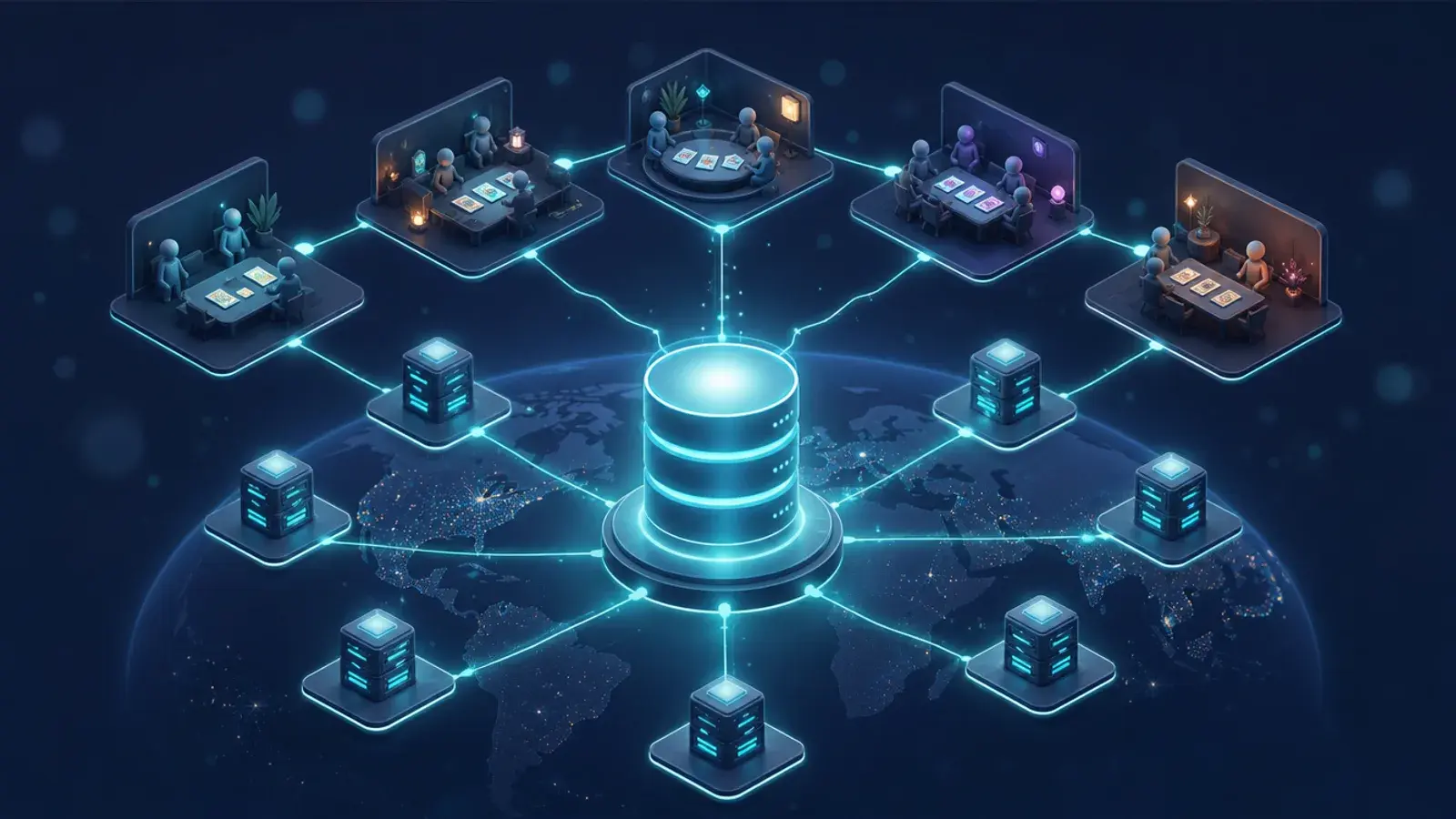
Short answer: a rental business with no staff on site has to see everything a shop clerk would notice, from a screen and in real time. For SurfUp that meant three views: an analytics view for growth, a revenue and operations view for the fleet, and a partner view for the venues that host the stations. Those dashboards supported SurfUp's move from Pacific Beach to the Hyatt Regency Waikiki, which launched in October 2026, with still nobody standing at the station.
A note before the story: I am a co-founder of SurfUp, its CPO and a board member, and I led the build of its analytics platform. This was internal work, not a paid client project. You can see the summary in the SurfUp case study.
What SurfUp Does
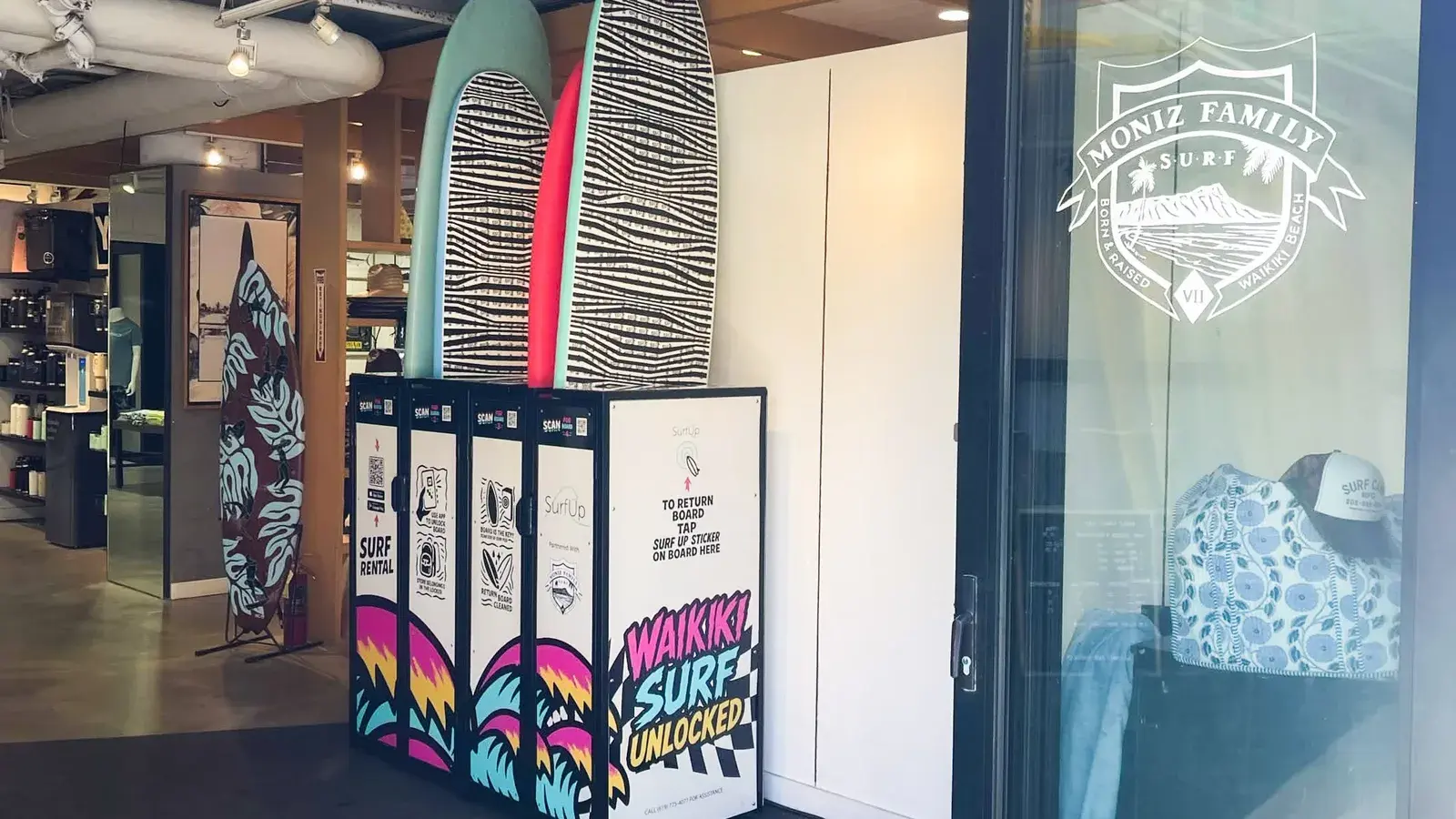
SurfUp makes SurfPods, self-service surfboard rental stations that run 24/7. Riders find a station in the SurfUp app, scan a board, surf, and return it to any SurfPod. There is no counter and no attendant, and surfupapp.com says the whole rental takes under 30 seconds to start.
The idea got early coverage in San Diego. The San Diego Union-Tribune described it as like a scooter app but for surfboards, and CBS 8, ABC 10 News, Spectrum News 1 and UC San Diego followed the Pacific Beach launch.
What a Business with No Staff Needs to See
In a normal rental shop, a person behind the counter sees a broken fin, notices the rack is empty by noon and knows when the power went out. A SurfPod has none of that. Every one of those observations has to arrive as data, and somebody has to be able to act on it from somewhere else.
So we built around a few plain questions:
- Is every station online, and is every board where it should be?
- How many boards are out right now, and how many are free?
- Which boards need repair before the next rider takes them?
- How are rentals, revenue and new riders trending, and when are the busy hours?
- How is each partner location doing, and what does that partner need to know?
The Admin View: the Whole Fleet on One Screen
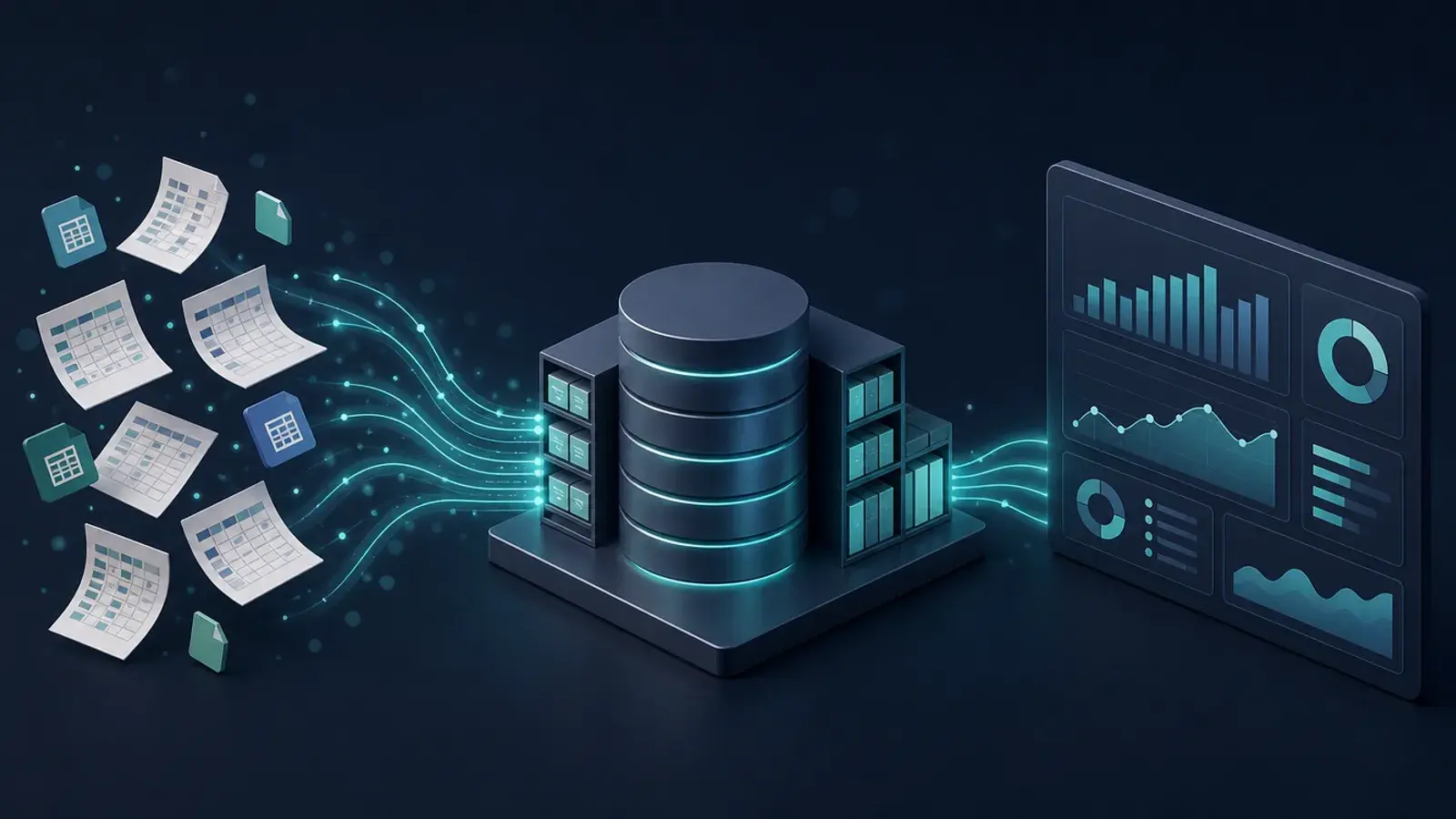
SurfUp's internal portal opens on a dashboard that answers the first questions at a glance: total boards across all stations, how many are available, how many are rented right now and the utilization that implies, and an attention count that rolls up missing boards, open damage reports and maintenance.
A fleet status bar splits every board into rented, available, repairing, missing or offline. One rule there saved a lot of confusion: if a station goes offline, all of its boards count as offline, whatever they reported last, because a board you cannot unlock is not really available.
Below that, the analytics section covers growth:
- Rentals, revenue and new users over a chosen range, from a week to a year, with revenue and rentals drawn as two aligned charts.
- Peak hours, shown in each station's local time, which matters as soon as you operate in two time zones.
- Station utilization, the share of each station's boards rented right now, to spot the sites that need more boards or fewer.
- A rider funnel and QR acquisition panel that follow people from scanning a marketing QR code, to tapping the App Store or Google Play button, to signing up, and then show how far new riders get.
An "Include internal" switch hides test stations and internal activity across the dashboard, so staff testing never inflates the numbers the team makes decisions on.
Alerts, Because Nobody Is Standing at the Pod
Dashboards are for looking. Alerts are for when nobody is looking. The admin portal emails the team when a station stops responding and again when it comes back, with how long it was down. Board alerts flag boards that read as missing while their locker is locked and RFID readings that flicker. Stations also report temperature, with warning, critical and emergency levels, because electronics in a sunny spot on a beach can overheat.
The operations side keeps the follow-up visible. Damage reports are graded from low to critical and tagged with what is wrong, such as damaged fins, a missing leash or dings. Work orders and a maintenance log track the fix, and audit logs record who changed what. Staff can also close a station for bad weather, and the station list counts closed stations at the top so a forgotten closure is obvious.

The Partner View: Their Stations and Nothing Else
SurfPods sit at hotels, resorts and partner venues, and those partners want to know how their station is doing. Before the portal, that meant custom exports for each venue. The partner portal replaced them.
A partner logs in and sees only their own business: their stations and boards, transactions, ratings, damage reports and maintenance log. The dashboard opens with action items worked out from that data, such as a station offline, boards missing, damage reports nobody has addressed or ratings slipping, each marked by how urgent it is. Partners can see recent activity and unlock a board from the dashboard.
On the admin side, each partner gets a card with a health badge, healthy, warning or critical, so the team knows which venue to call first. The partner portal also gives each venue visibility into its performance and revenue share without asking for a report.
From Pacific Beach to Waikiki
Moving to a second market is where this work paid off. The dashboards were built to compare locations and partners from the start, so a new location shows up in the same views once its stations and partner are set up. The fleet status, alerts and partner views work the same for a station in Hawaii as for one in San Diego, and peak hours read in each station's local time.
The data has also helped in sales. When SurfUp pitched new venues, showing a partner exactly how their location would be tracked and reported on helped close deals that might otherwise have stalled. The launch was covered by Surfer, Pacific Business News, KHON2, Hoodline and AOL.
What Other Operators Can Take from This
- Design for the absent employee. List what a person on site would notice, and make each item either a dashboard number or an alert.
- Make status rules explicit. Decide what "available" really means, write it down and apply it everywhere, as with offline stations.
- Separate real activity from internal activity. One switch that hides test data protects every chart.
- Give partners their own door. A scoped portal ends the export requests and becomes part of the sales pitch.
- Build for the second location on day one. When every record carries its location and local time, a new market is a setup task.
The Bottom Line
SurfUp runs a fleet of rental stations with nobody behind a counter. That works because the team can see rentals, revenue, equipment health and partner performance live, and gets told when something breaks. The same approach fits any business with equipment, kiosks or sites spread out in the field.
If you run operations like that, our operations optimization and BI dashboard services cover exactly this work, from status rules and alerts to partner-facing portals. Book a free consultation and tell us what you need to see.